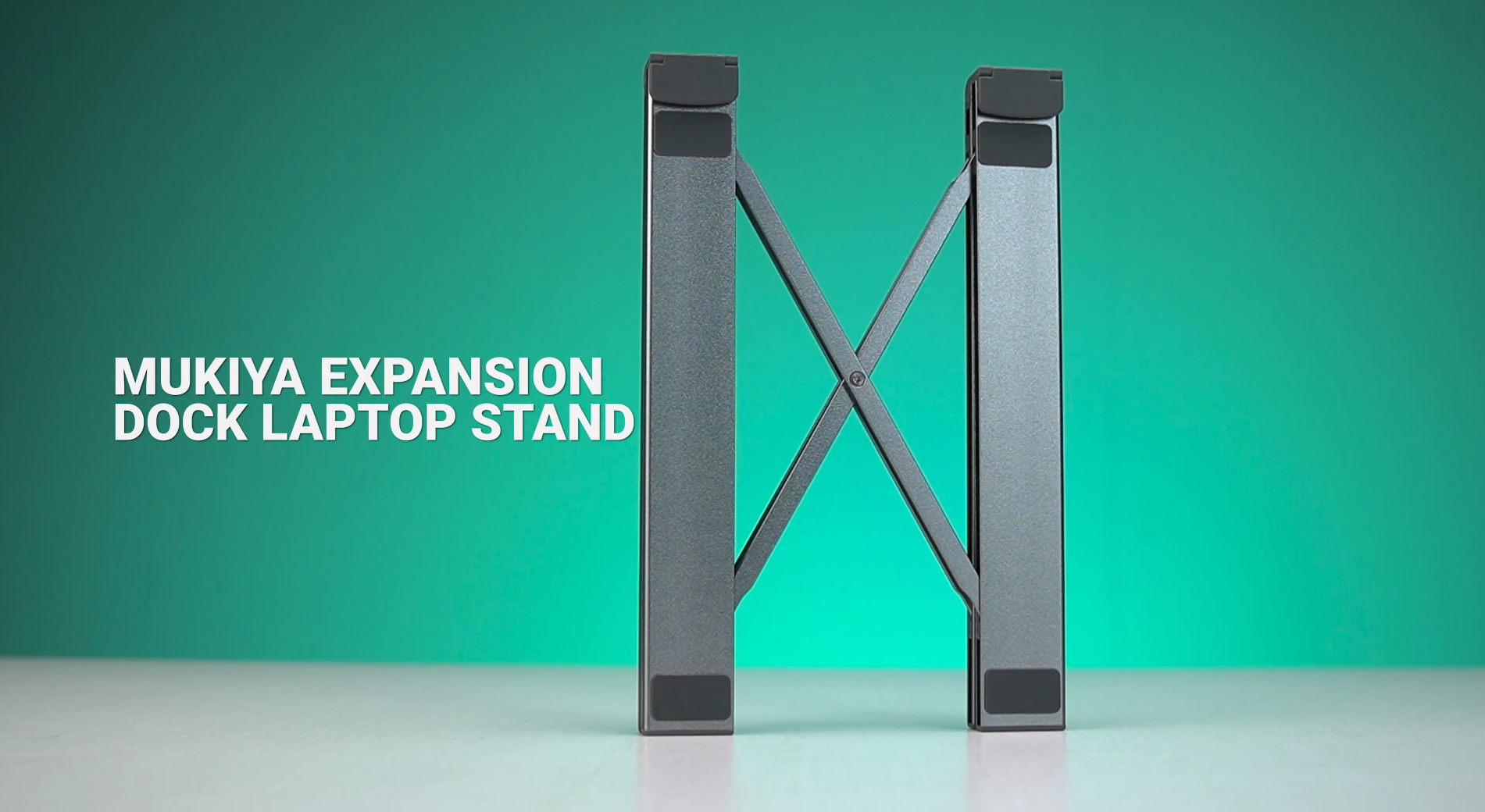
The Mukiya Expansion Dock Laptop Stand immediately stands out from the usual crowd of foldable risers and generic USB-C hubs. It combines both into a single piece of gear, which already makes it more practical than most accessories in this category.
And with so many of us using MacBooks or thin laptops with limited ports, the idea of a stand that adds height and connectivity is genuinely useful. The real question is simple: does it actually improve everyday workflow, or does it only sound good on paper? Let’s find out.
Unboxing Experience
The packaging keeps everything simple. Inside the box, you get a soft storage pouch with the stand inside and a small manual. There are no unnecessary extras. Once you pull the stand out, it makes a strong first impression.

The aluminum finish feels smooth and premium, with enough weight to feel solid without being bulky. The hinge also has clean resistance, giving confidence that it can handle daily use.
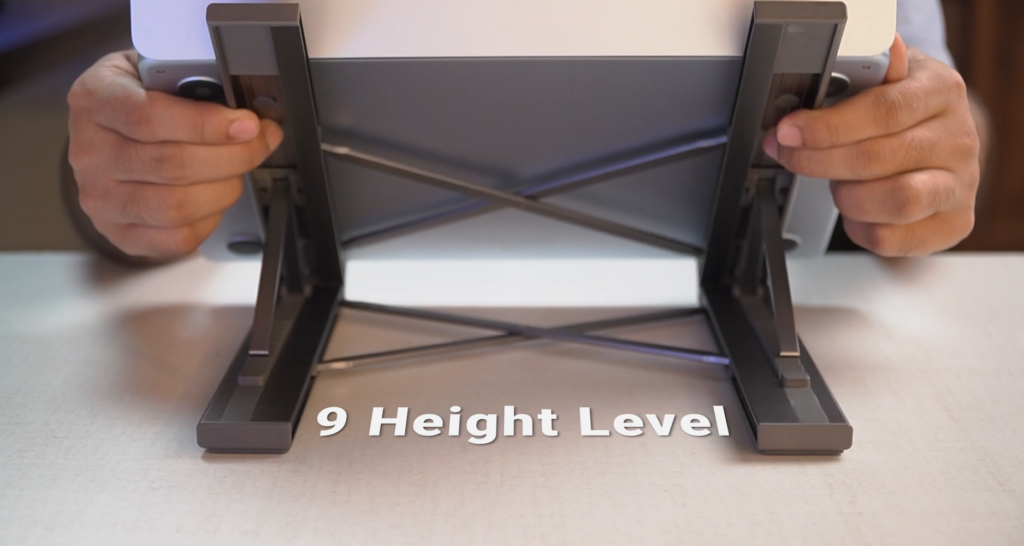
Unfolding the stand reveals a mechanism similar to compact travel furniture. It offers nine adjustable height levels, each locking firmly into place with no wobble. Rubber grips on the base and rails keep the stand steady and protect your laptop from scratches. So far, everything feels well built and ready for real use.
Build Quality and Design
The frame is made from aluminum alloy and weighs around half a pound, yet it can support up to 40 pounds without bending. We tested it with a 16-inch laptop and even pressed down while typing. It stayed stable.
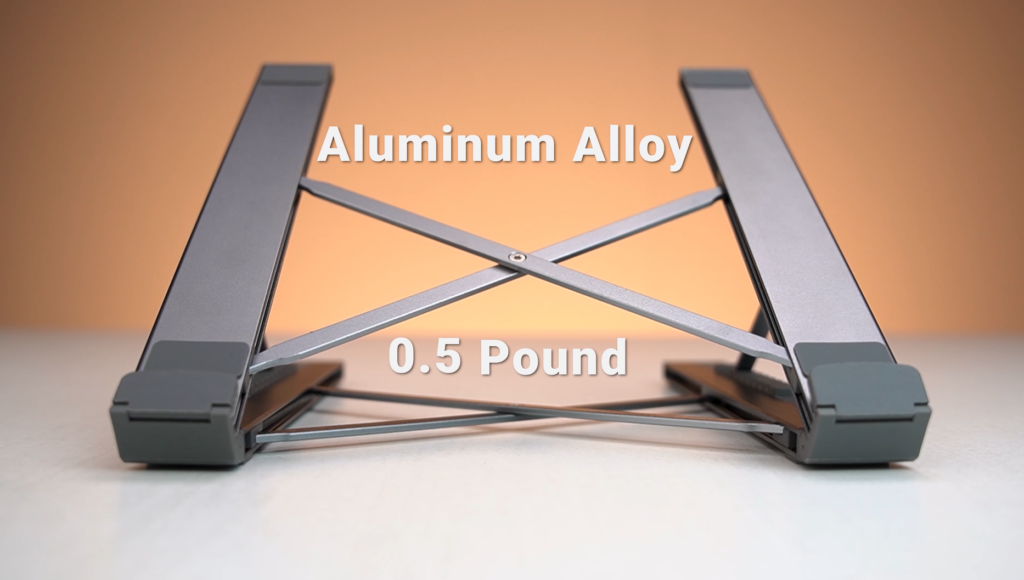
The nine height levels let you raise the screen from a low tilt to near eye-level. Every angle locks smoothly without creaking or side movement.The rails have silicone padding for protection, and the base has rubber feet to stop sliding.
Because of the open-frame design, the laptop sits elevated, which improves airflow and helps reduce heat during long working or editing sessions.
The Docking Advantage
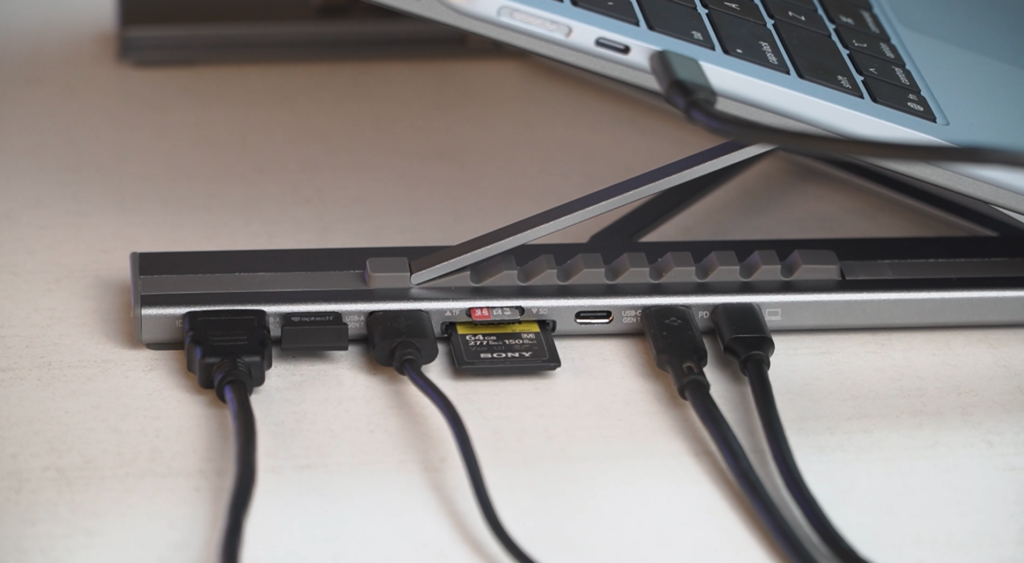
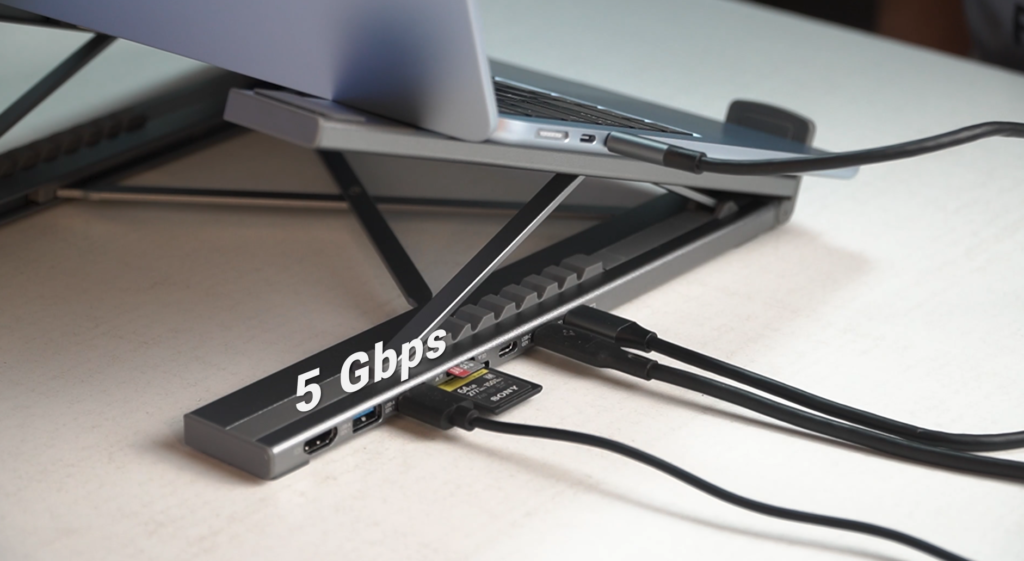
This is where the Mukiya stand becomes different from regular stands. Attached to the right side is a built-in docking hub with a useful set of ports:
- HDMI up to 4K at 30 Hz
- Two USB-A 3.0 ports
- One USB-C data port
- One USB-C PD port with up to 85W power passthrough
- SD and microSD card slots
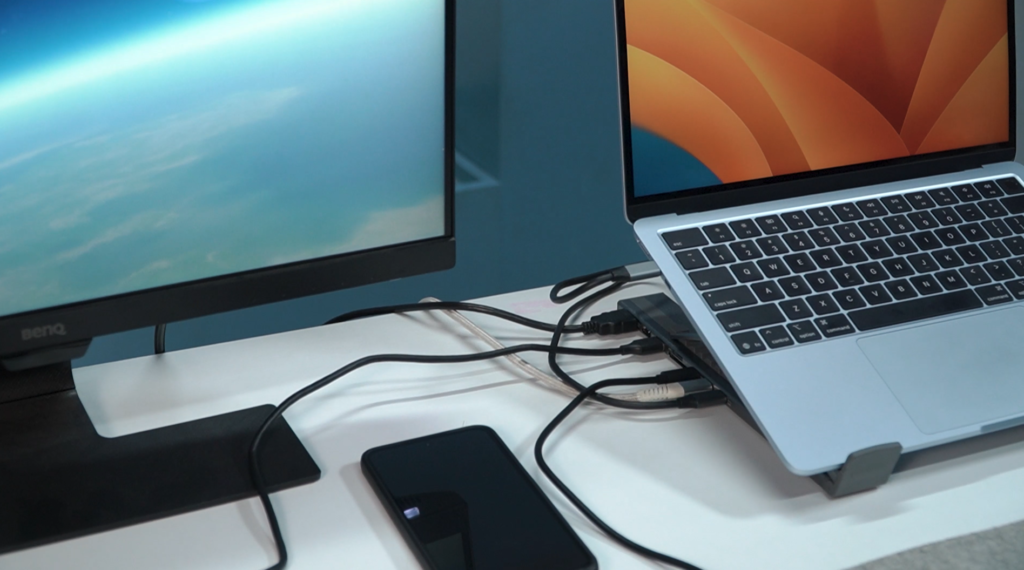
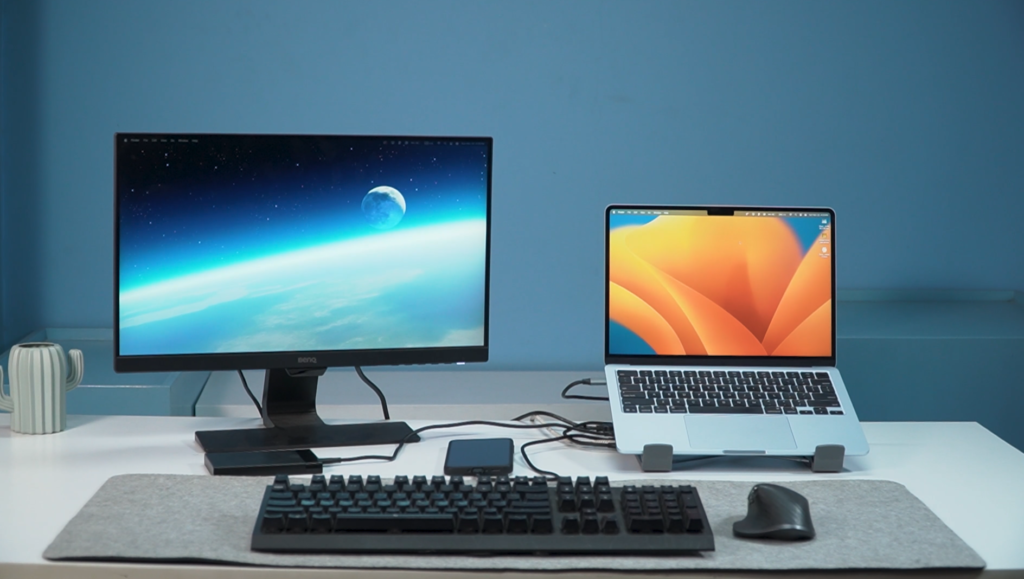
You connect one cable from the dock to your laptop, and everything becomes active. No loose dongles, no clutter, and no extra hub in your bag. It becomes a clean single-cable workspace. You sit down, plug in once, and your monitor, keyboard, SSD, and charger all start working. When you leave, you unplug one cable and fold the stand flat.
Power, Speed and Display Performance
The 85W PD passthrough is strong enough to fully power most 13 and 14-inch laptops. With a 16-inch MacBook Pro, it maintains a charge instead of draining. This is already better than many budget hubs that stop at 45 or 60W.
The USB-A ports offer 5 Gbps transfer speeds, so moving a 10 GB file only takes a few seconds. The SD card slot reaches above 80 MB per second, which is fast enough for normal photo or video import work. HDMI output delivers a sharp 4K image at 30 Hz. If you need 60 Hz for smoother motion, this limitation is something to consider.
Portability and Travel Use
When folded, the stand becomes a slim aluminum slab that fits easily into a backpack. The included pouch protects it from scratches. This is a major advantage over regular stands that become dead weight during travel. The Mukiya stand remains a full docking solution even on the go.
Whether you need to connect to a hotel TV, an office monitor, or a friend’s setup, this stand gives you a simple one-cable solution anywhere.
Real Desk Setup Use
Daily use is where the stand shines. You set your laptop on it, choose the height that suits your posture, plug in the single cable, and your entire desk setup responds. The external monitor turns on, your keyboard and mouse connect, the SSD mounts, and your laptop charges. All of this happens without any cable mess or multiple dongles hanging out of your laptop.
The height adjustment noticeably improves comfort. With the screen closer to eye level, neck strain reduces. Typing feels more natural since your arms remain closer to the desk. For café use, the raised angle also adds privacy because your screen is not fully visible from the table level.
Compatibility
The stand works smoothly with macOS, Windows, ChromeOS, and even an iPad Pro. As long as the device supports DisplayPort Alt Mode, the HDMI output works. If a tablet or phone does not support video output, the USB ports and card slots still function for accessories and storage.
It is also flexible with chargers, working well with 65W, 87W, and 100W adapters without unexpected cutoffs or connection drops.
Where It Falls Short
There are a few limitations to note.
The HDMI port supports only 4K at 30 Hz. If you require 4K at 60 Hz for professional work, this might not meet your needs.
Also, the dock’s cable connects on the right side of the stand. If your laptop has ports on the left, the cable may cross your desk. It does not affect performance, but it is something to visualize before purchasing.
At the highest angle, fast or heavy typing can create a slight bounce. This does not affect safety, but it is noticeable.
Final Verdict
After a full week of use, the Mukiya Expansion Dock Laptop Stand proves to be a practical and well-designed tool. It effectively solves two common issues at the same time. It improves laptop posture and adds essential ports, all while reducing desk clutter. It replaces both a stand and a hub and packs easily into a bag.
If you need features like 4K at 60 Hz or Thunderbolt-level speeds, this stand will not replace a high-end dock. But if you want a stylish, sturdy stand that offers real convenience and a clean single-cable setup, the Mukiya stand delivers excellent value.
For MacBook users, creators, students, remote workers, or anyone who works between home and café environments, this is the type of accessory that stays useful for years simply because it works in more than one way.