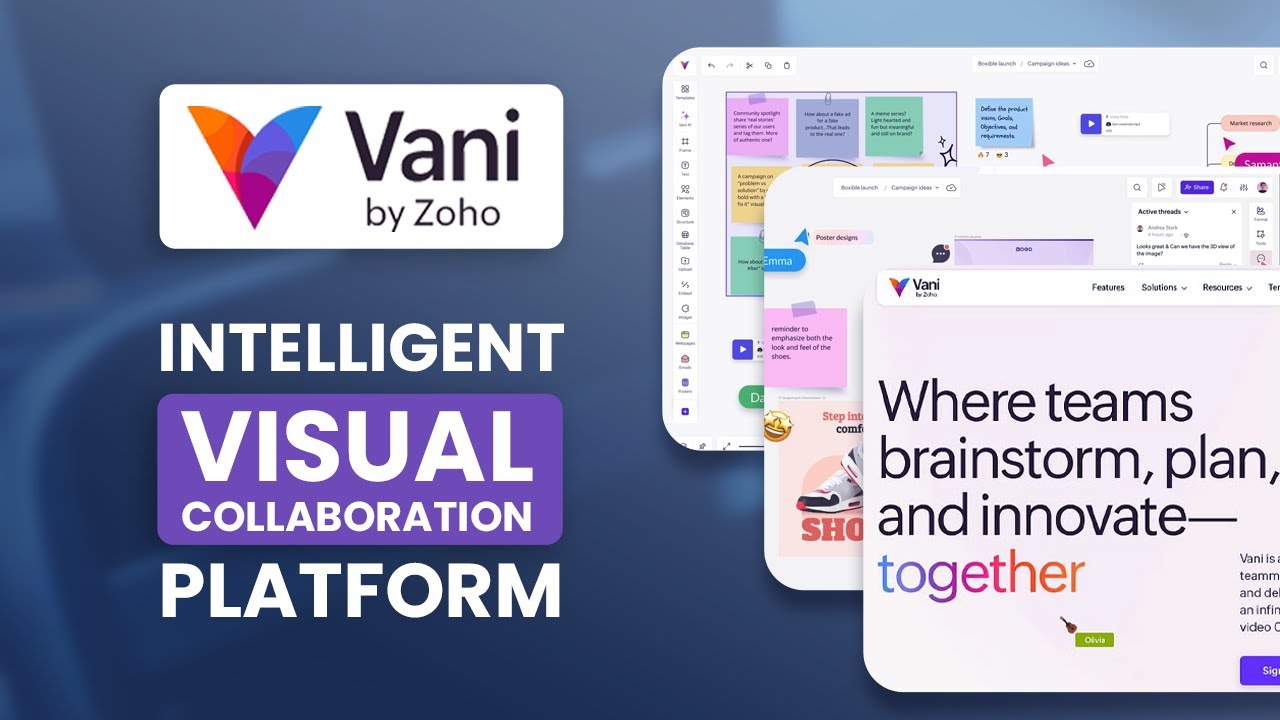
Struggling with scattered ideas and messy documents? Zoho has a solution, Vani, the intelligent visual collaboration platform that simplifies how teams connect, brainstorm, and organize their work.
In this blog post, we’ll dive into the features and functionalities of Vani. Let’s explore how it replaces the need for multiple apps and enhances productivity through its infinite canvas, AI-powered tools, and integrated video calls.
A Seamless User Interface for All Teams
When you first log in to Vani, you’re greeted by a clean and intuitive homepage. On the left-hand side, you’ll find a navigation panel that lets you access your “Spaces,” “Zones,” and other important sections. The structure is simple and user-friendly. You can organize your projects with “Spaces,” which act as project folders, and within each Space, there are “Zones,” which are infinite canvases for your creative work.
For teams already using other platforms, Vani makes the transition easy by allowing imports from tools like Miro, Google Jamboard, and Microsoft Visio. This ensures that your team’s existing work can be quickly brought into the Vani platform without starting from scratch.
Creating Your Workspace: Flexibility at Its Best
The heart of Vani lies in its ability to create personalized workspaces. With a simple “Create Space” button, you can start with a blank canvas or choose from one of Vani’s pre-built templates. What’s especially useful for teams migrating from other platforms is the import feature. You can bring in your existing files directly from other tools, making the transition seamless.
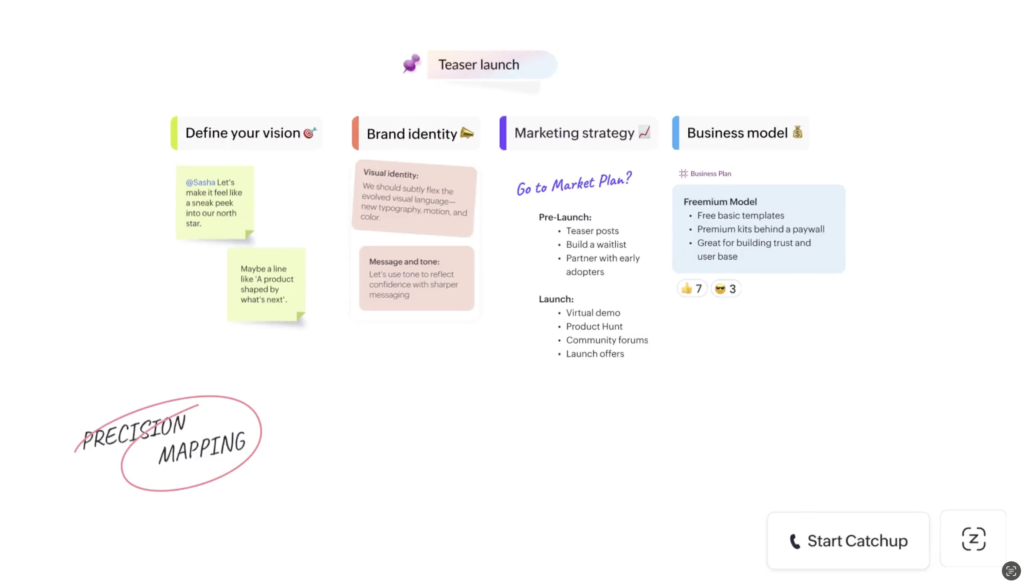
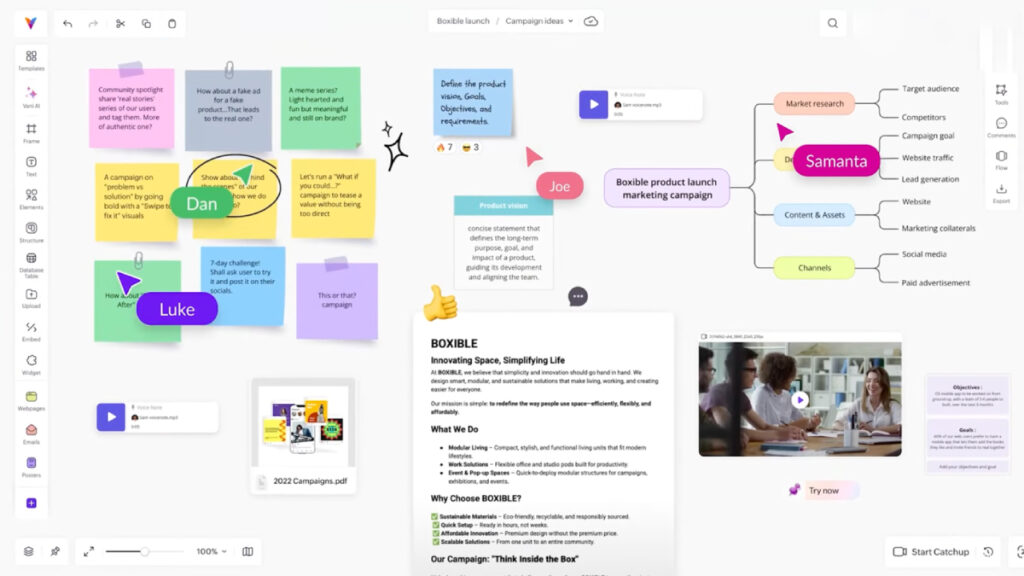
Once inside your “Zone,” the infinite canvas awaits. The interface is designed to give you all the tools you need in one place. From text and sticky notes to complex flowcharts and mind maps, everything is customizable and easy to add. This flexibility ensures that your workspace can evolve as your project progresses.
AI Features: Organizing Ideas with Ease
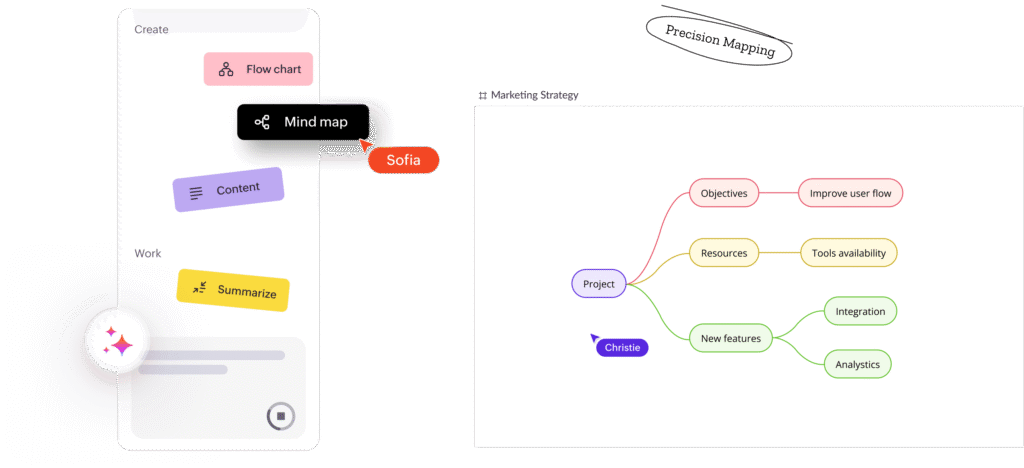
What sets Vani apart from other collaboration tools is its built-in AI functionality. Imagine you’ve just finished a brainstorming session and your board is filled with sticky notes. Instead of manually organizing these ideas, Vani’s AI can take care of it for you. Simply select all the sticky notes, hit the AI button, and Vani will automatically create a mind map or flowchart based on your ideas.
This AI integration isn’t just about organizing; it’s also about generating new content. For instance, you can prompt Vani to create a flowchart for a customer support process or summarize large blocks of text. The AI saves you time by handling repetitive tasks, allowing you to focus on the more critical aspects of your project.
Smart Catchup: Video Calls Within the Platform
One of the most frustrating aspects of remote collaboration is juggling between video calls and other tools like whiteboards or documents. Vani tackles this problem with its unique “Catchup” feature. This tool allows you to start a video or voice call directly within the workspace, so everyone is on the same page. You can discuss ideas, make changes, and edit the canvas in real time, all without leaving the platform.
The Catchup feature makes meetings feel more natural and spontaneous, similar to an office walk-over where everyone gathers around the whiteboard to hash out ideas. It’s especially useful for teams spread across different time zones, as you can record the sessions for those who may not be able to attend live.
Templates and the Marketplace: Getting Started with Ease
If the idea of starting with a blank canvas seems daunting, Vani offers a comprehensive library of templates to help you get started. These templates are organized by use case—ranging from project planning and brainstorming to strategy and team-building exercises. Whether you’re looking to create a roadmap or a SWOT analysis, Vani’s templates provide a structured way to begin.
Moreover, Vani connects directly to the Zoho Marketplace, expanding its functionality even further. You can add widgets, apps, and integrations with other tools your team is already using. This makes Vani not just a standalone tool but a central hub for all your collaboration needs.
Verdict: Why Vani Is the Ultimate Visual Collaboration Platform
After exploring Vani’s features, it’s clear that this platform is highly effective for teams looking to improve collaboration and streamline their workflow. With its infinite canvas, AI-powered organization tools, and seamless video calls, Vani is designed to replace multiple apps and simplify the way teams collaborate.
If you’re tired of switching between different tools and losing track of your ideas in endless documents, Vani offers the perfect solution. It gives you a clear, organized view of your work and makes it easier to stay on top of your projects.
Ready to try it out for yourself? Visit the link below to create your free Vani account and see how it can transform your team’s workflow.
Wrapping Up
Vani isn’t just another visual collaboration tool—it’s an intelligent platform that integrates AI, video calls, and an infinite canvas to enhance productivity and creativity. Whether you’re a small team or part of a larger organization, Vani is designed to help you work more efficiently and with greater clarity. Give it a try today and start collaborating smarter!